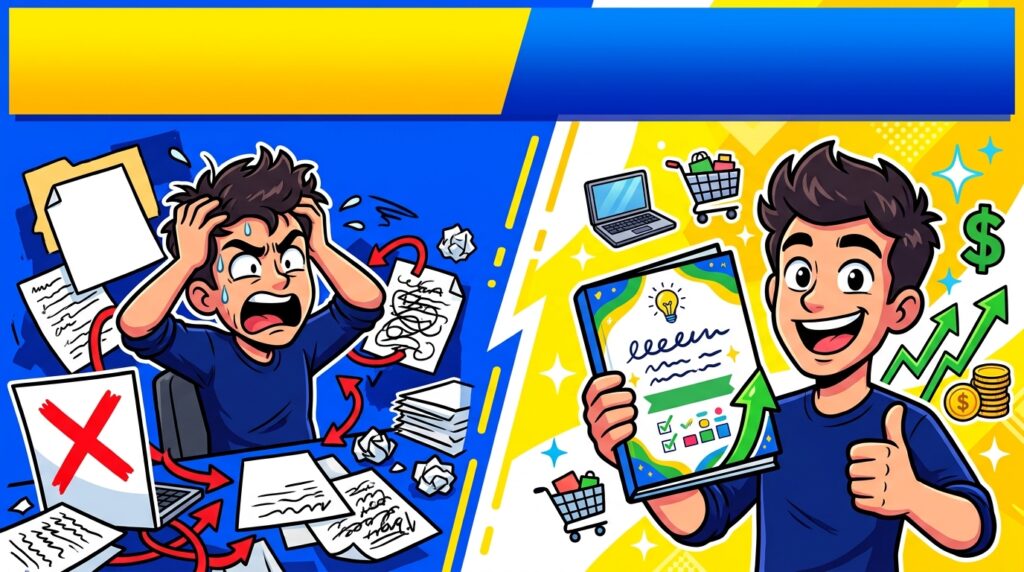
Digital product side hustles are appealing because the same file can be sold repeatedly without packing inventory or shipping physical goods. That scalability is real, but it is often misunderstood. The difficult part is not creating a PDF, template or planner; it is finding a problem people care enough about to pay to solve and presenting the product in a way that earns trust. Beginners are better served by validating one narrow product than by building a large store full of untested downloads. This guide explains how to choose a product, test demand, price it and expand only after real buyer behavior supports the idea.
Choose a Problem Before Choosing a File Format
Start with the buyer’s task, not whether you want to make a planner, spreadsheet or ebook. A product is valuable because it saves time, reduces confusion, organizes work or helps someone produce a result. A wedding budget spreadsheet, client onboarding checklist and classroom worksheet solve very different problems even though all are digital files. Search marketplaces, forums and social discussions for repeated questions and complaints. Pay attention to products with visible demand but weak presentation, missing features or poor usability. The strongest opportunity is often a narrower version built for a specific audience rather than another generic “ultimate planner.”
Templates Are Strong When They Replace Repetitive Work
Templates can include spreadsheets, presentations, social media layouts, business documents, notion-style systems, checklists and design assets. They sell best when a buyer can immediately see how the template reduces work. A generic blank document has limited value; a structured template with useful fields, examples and instructions can be much more compelling. Build around a repeatable workflow you understand. If you have never used a process yourself, it is easy to create a pretty template that fails in practice. Test it with sample data and make sure the buyer can edit it with accessible software.
Printables and Planners Need Clear Audience Positioning
Printable products are easy to create, which also makes the market crowded. Differentiation usually comes from audience, use case and design quality. Instead of a generic weekly planner, consider a planner for a specific profession, event or routine where the pages reflect real tasks. Check print dimensions, margins and readability before listing. Provide accurate previews and explain what files the buyer receives. If you want to explore this model further, our digital planner side hustle guide covers product structure, design and scaling in more detail.
Validate With One Product Before Building a Collection
A common mistake is spending weeks creating twenty products before receiving a single signal from buyers. Start with one focused item, publish it with strong preview images and collect data. Are people clicking but not buying? The price, trust or product details may be weak. Are they not clicking? The topic, thumbnail or keyword targeting may be wrong. Are buyers asking the same question? That may reveal a missing feature. Validation turns your next product into an informed decision rather than another guess. Once a product consistently gets interest, create complementary versions, bundles or upgrades around the same buyer.
Price Based on Usefulness, Not File Size
A five-page template that saves a business owner several hours can be more valuable than a 100-page generic ebook. Do not price digital products purely by page count. Compare alternatives, consider the buyer’s use case and account for the quality of instructions, customization and support. Very low prices can increase volume but may also attract buyers who expect extensive help for little revenue. Higher prices require better proof and positioning. Test within a reasonable range and evaluate conversion, refunds and support burden rather than assuming cheaper always sells more.
Create Product Previews That Reduce Uncertainty
Because buyers cannot physically inspect a digital product, preview images perform much of the sales work. Show the important pages, demonstrate how the file looks in use and label what is editable. Avoid misleading mockups that imply physical items are included. Explain file formats, software requirements, dimensions and whether the purchase includes commercial-use rights. A short visual walkthrough can help for more complex templates. Good previews reduce buyer questions and refund risk because the customer knows what they are purchasing before checkout.
Choose Distribution Based on Where Buyers Already Search
Marketplaces provide built-in demand but also competition and fees. A personal website provides more control but requires you to generate traffic. Social media can help demonstrate the product but should not be your only distribution strategy. Many sellers use a combination: marketplace discovery, content or search traffic and an owned email list or website over time. Do not spread yourself across five channels at launch. Choose one primary acquisition channel, learn what converts there and add another only after you understand the first.
Scale Through Product Families, Bundles and Better Distribution
Once a product proves demand, expansion should stay close to the original buyer. Create a version for a related use case, bundle several complementary tools, improve instructions or add premium features. This is more efficient than constantly entering unrelated niches. Track which keywords, channels and product types generate sales. Over time, you are building a catalog around a customer problem rather than collecting random downloads. For ideas that require no upfront spend, see side hustles with no startup cost, and for physical or handmade products compare what to make and sell.
Related digital-product guides
Frequently Asked Questions
What digital products can beginners sell?
Templates, checklists, worksheets, printables, planners, guides, spreadsheets and simple design assets are common starting points when they solve a specific problem.
Do digital products create passive income?
They can become semi-passive after creation, but research, listing optimization, customer support, marketing and updates still require work.
How many products should I launch first?
One or a very small set is enough to validate demand. Build more only after buyer behavior gives you useful feedback.
Do I need a website?
No. Marketplaces can provide a starting point, while a website becomes useful when you want more control over traffic, branding and customer relationships.
How do I know what to create?
Research repeated buyer problems, existing product reviews, search behavior and underserved use cases rather than beginning with a file format.
Can I use AI to create digital products?
AI can assist with research and drafting, but you still need original value, quality control, accurate information and compliance with marketplace and intellectual-property rules.