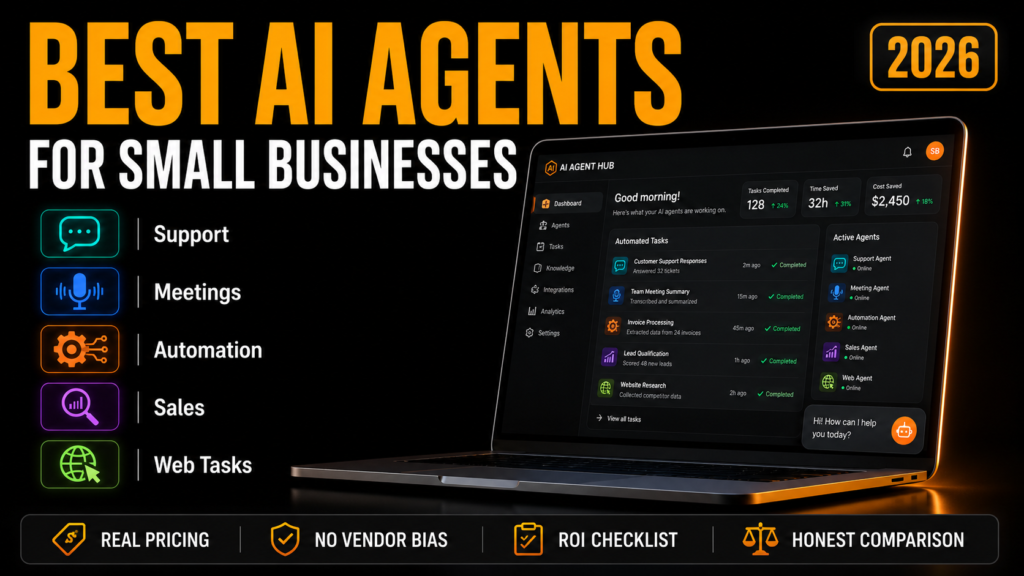
Every AI agent company selling to small businesses right now uses roughly the same pitch: replace hours of manual work, respond instantly, scale without hiring. Search “best AI agents for small business” and nearly every result is written by one of those companies — Lindy reviewing Lindy, Manus reviewing Manus, dressed up as objective advice.
That’s not necessarily dishonest, but it does mean you’re rarely getting the part that actually matters for a small business with a real budget: which of these tools are genuinely production-ready at the price you’ll actually pay, and which ones look affordable until you try to use them at real volume. This guide is built around that gap — real pricing, where free tiers quietly stop working, and a framework for deciding whether an agent is worth deploying at all before you pick a specific tool.
What Actually Makes Something an “AI Agent” (Not Just a Chatbot)
The distinction matters more than marketing copy suggests. A chatbot waits for a question and answers it — it’s reactive. An agent reads a situation, decides what needs to happen, takes an action across one or more of your existing tools, and moves to the next step without you prompting each one. A support chatbot tells a customer how to request a refund. A support agent checks the order, processes the refund, and updates your CRM, unprompted, in one pass.
That capability — acting, not just answering — is also why pricing for these tools is so much messier than a normal SaaS subscription. You’re not just paying for a seat; you’re often paying per action, per conversation, or per credit consumed, which is the exact trap the next section walks through.
The Free Tier Trap: What “Free” Actually Covers
Almost every AI agent platform advertises a free plan. For a small business evaluating these tools, it’s worth knowing upfront that “free” in this category almost always means “enough to test the concept, not enough to run in production.” A few concrete examples:
- Zapier Central — the free plan covers basic automations at low task volume. Useful for proving a workflow works; not built to carry your actual daily task load.
- Lindy — free starter credits are workable for single-user productivity tasks, but credit consumption scales unpredictably once the agent runs across multiple customer accounts rather than just your own.
- Otter.ai — the free Basic plan includes 300 transcription minutes a month, capped at 30 minutes per conversation. Fine for occasional meetings; a team running daily calls will hit that ceiling within the first couple of weeks.
- Tidio (Lyro AI Agent) — the paid Starter plan begins around $29/month for 100 billable conversations. A store fielding more than a handful of customer questions a day will outgrow that tier quickly.
The pattern: budget based on your actual expected usage, not the advertised entry price. Several vendors — HubSpot’s Breeze Agents and Salesforce’s Agentforce among them — advertise an accessible starting price that doesn’t include the higher-tier plan, paid seats, or data infrastructure their agents actually require to run at meaningful volume. If you already run HubSpot or Salesforce as your CRM, that math works in your favor since you’re not adding a new platform. If you don’t, the underlying platform cost usually makes those two a later-stage
Best AI Agents for Small Businesses, by Job to Be Done
Rather than a single ranked list — which is exactly the format every vendor-authored guide uses — it’s more useful to match the agent to the specific job draining your time, since that’s the actual decision small business owners are making.
For customer support: Tidio (Lyro)
Lyro reads your existing help content and answers customer questions in natural language across channels, escalating to a human when a question falls outside what it knows. It fits an online store or service business fielding repeat questions about pricing, orders, and availability, and connects to platforms like Shopify without a heavy setup lift. The tradeoff: analytics are thin, and you generally choose between Lyro and rule-based flows rather than blending both in the same widget.
For meeting notes and internal knowledge: Otter.ai
Otter joins Zoom, Google Meet, and Teams calls automatically, transcribes in real time, and generates summaries with action items pulled out — useful for keeping a small, distributed team aligned without someone manually writing recap emails after every call.
For workflow automation across tools you already use: Zapier Central
For a small business connecting dozens of existing apps without writing code, Zapier Central leads on sheer breadth of integrations. It’s the right starting point when the job is “move data between the tools I already have,” rather than a single dedicated function.
For sales prospecting and lead enrichment: Clay and Relevance AI
Both are specialist tools for outbound: building lead lists, enriching contact data, and drafting personalized outreach at a volume a solo founder or small sales team couldn’t manage manually. This is a narrower use case than the others on this list, and worth it specifically if outbound prospecting is a bottleneck rather than a nice-to-have.
For general-purpose web tasks: OpenAI Operator
Operator can navigate the web autonomously — clicking, filling forms, searching, scheduling — in place of the small, repetitive browser tasks that otherwise eat a founder’s afternoon. It’s currently limited to OpenAI’s Pro-tier users, which is worth weighing against the narrower, cheaper specialist tools above if your need is more specific than “handle miscellaneous web tasks.”
If you already run HubSpot or Salesforce: Breeze Agents or Agentforce
These act directly on your existing customer data inside the CRM you already pay for, which removes the integration step the other tools on this list require. The advertised entry price is misleading on its own — factor in the CRM edition, seats, and any data infrastructure requirements before comparing cost against a standalone tool.
Is an AI Agent Actually Worth It for Your Business? A Quick ROI Check
Not every small business gets the same return from deploying an agent, and vendors rarely lead with that nuance. Based on where these tools have shown the clearest payoff, three characteristics predict a fast return:
- High inbound volume, limited staff. If calls, messages, or form submissions arrive faster than a small team can respond, every day without an agent handling the overflow is lost revenue.
- Appointment-driven revenue. Contractors, clinics, salons, real estate teams, and fitness studios lose direct, quantifiable revenue on every missed booking — exactly the gap conversational agents are built to close.
- Repetitive customer-facing workflows. If the same handful of questions arrive daily, the same follow-up sequence fires after every sale, or the same CRM fields need updating each time, that repetition is exactly what an agent automates well — and exactly what a human is currently doing manually, at a real hourly cost.
If none of those describe your business today, an agent may still be worth testing on the free tier, but it’s less likely to pay for itself quickly enough to justify a paid plan right away.
Frequently Asked Questions
What’s the difference between an AI agent and an AI chatbot?
A chatbot answers a question when asked. An agent reads a situation, decides on an action, executes it inside your existing tools, and moves to the next step without additional prompting.
How much do AI agents cost for a small business?
Entry-level plans typically start between $20 and $50 a month, with free tiers available from tools like Zapier and Tidio for basic use. Costs scale from there based on usage volume, number of seats, or credits consumed — which is why the advertised starting price is rarely the number you’ll actually pay at real usage.
Can AI agents fully replace employees at a small business?
No. They handle repetitive, rule-based work reliably, but anything requiring judgment, relationships, or creative decision-making still needs a person. The realistic framing is freeing your team from low-value tasks, not replacing the team.
Which AI agent should I start with if I’ve never used one before?
Match the agent to your single biggest time drain rather than picking the most popular tool on a list. If it’s customer questions, start with a support agent like Tidio’s Lyro. If it’s scattered manual work across apps you already use, start with Zapier Central instead.
The Bottom Line
The honest version of this category, missing from most guides selling you a specific agent: AI agents for small businesses genuinely do free up hours of manual work, but the tool that’s right for you depends entirely on which repetitive job is costing you the most time right now — not which platform has the biggest marketing budget. Start narrow, on the free or entry tier, prove the ROI on one specific workflow, and expand from there rather than committing to a platform-wide rollout on day one.